Rent whole nodes from a provider you cansee into.
Most GPU rental asks you to take the machine on faith: a number in a billing portal and no way to check it. Here you get the same telemetry your provider gets, on the exact cards you are paying for, at 15-second resolution — and isolation that is tested on every release rather than asserted in a sales deck.
Accounts are created by invitation from your GPU provider — NeoChamber is the software they run, not the company you rent from.
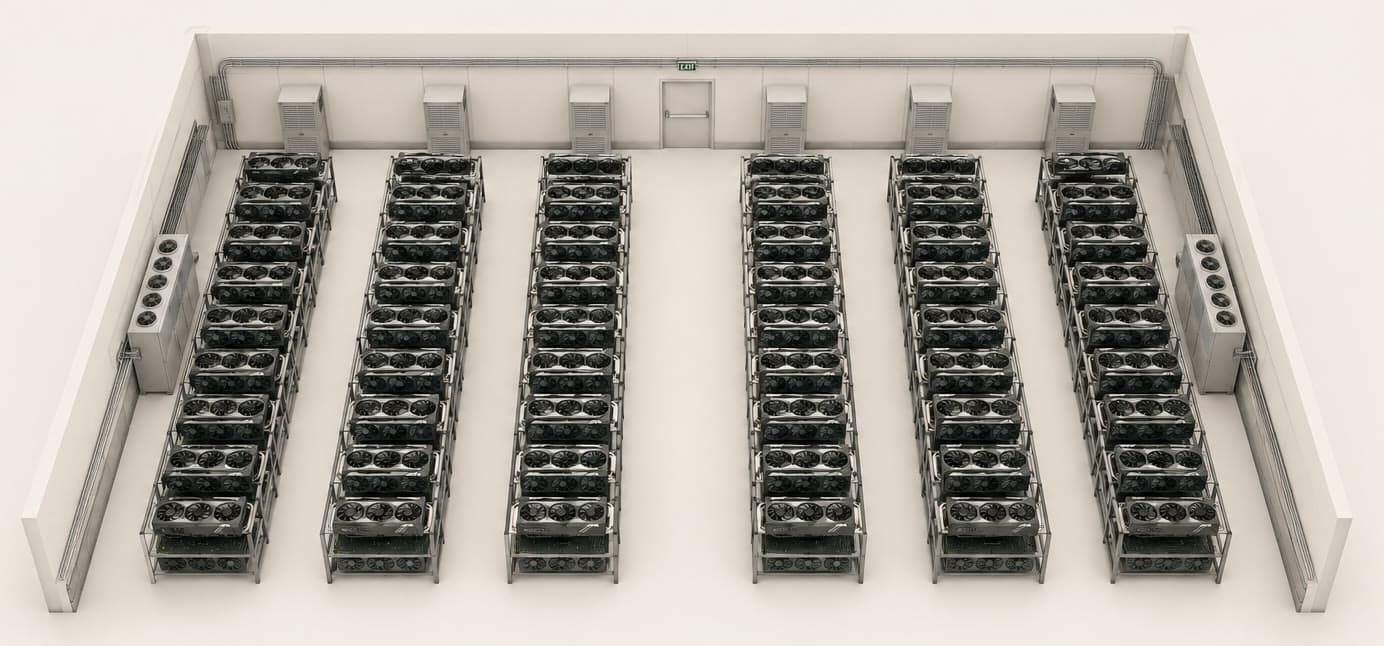
The room you are renting from — every rack, not a number in a portal.
What you see
Your machines, your numbers, nobody else’s.
Live telemetry
Utilization, VRAM, thermals, power draw, ECC and Xid faults on every GPU you rent, refreshed every 15 seconds. Not a monthly summary — the live picture.
LIVE
Logs that surface faults
Per-node log search and live tail, with driver and dmesg lines carrying Xid faults highlighted rather than buried in the scrollback.
LIVE
Proven isolation
You see the machines you rent and nothing else. The boundary is enforced server-side and proven on every release by an automated cross-tenant test.
LIVE
The exact silicon, read at the source
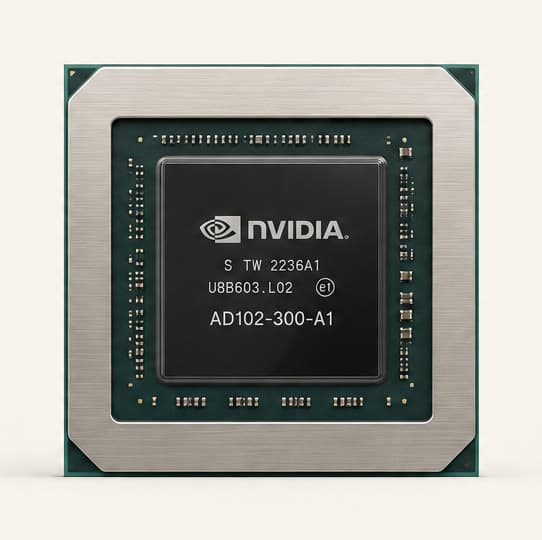
Every figure comes off the GPU itself through a static agent on the machine — not estimated from a billing meter, not a number someone typed into a portal. If the card throttles, you see the card throttle.
How renting works
Four steps, and one of them is “stop paying”.
Take the invite
Your provider creates your tenant and invites your team. You get a single-use code, set a password, and you are in — into a console carrying their brand, because they are who you are renting from.
Take the nodes you need
Whole nodes, by GPU model, from live availability — no fractional cards shared with a stranger. What you assign is yours until you release it.
Watch them work
Every card you hold reports utilization, memory, temperature and power continuously, and any fault it raises shows up as an event rather than a mystery slowdown.
Release when you are done
Release returns the node to your provider’s pool the hour you stop needing it. Telemetry recorded during your rental stays in your history — releasing hardware does not erase what it did for you.
Whole nodes, not slices
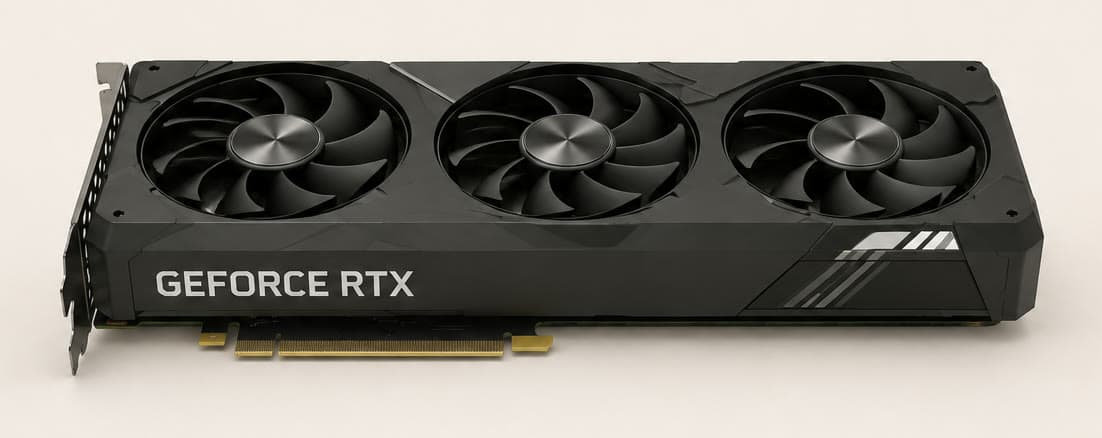
You assign a machine by GPU model and it is yours until you release it — no fractional card shared with a stranger whose workload you cannot see, and no noisy neighbour to explain away a slow run.
Why it is trustworthy
Claims you can check.
- Tenant isolation is enforced on the server for every request — not by hiding rows in the interface
- An automated cross-tenant test runs on every release; a leak fails the build, not an audit six months later
- A rental you are running is never interrupted to satisfy someone else’s demand for capacity
- Gaps in telemetry are shown as gaps. A node that went offline says so rather than flat-lining at its last value
Already have an invite?
Sign in and your machines are the first thing you see. If you are still choosing a provider, the guide shows exactly what the console gives you before you commit to anything.
Own the hardware instead? See the operator side →